Brain Store Setup
The Second Brain in Quack is powered by a set of plugins you can install from the Quack Store (Marketplace). This page explains which plugins are available, what they do, and how to set them up in minutes.
Think of the Store as an app store for your AI agents. Some "apps" teach the agent how to behave (Rules), others give it specific capabilities (Skills), and others are ready-to-use specialized agents (Droids).
The 4 Brain Plugins
Open the Quack Store and search for "Brain" to find these four items:
| Name | Type | What it does |
|---|---|---|
| Quack Brain | Skill | The core engine — teaches the agent to read and write to the Brain |
| Use Quack Brain | Rule | The automatic reminder — tells the agent to use the Brain in every session |
| Brain Migrate | Skill | The moving assistant — converts scattered docs into Brain v2 format |
| Quack Brain Manager | Droid | The librarian — keeps the knowledge base tidy over time |
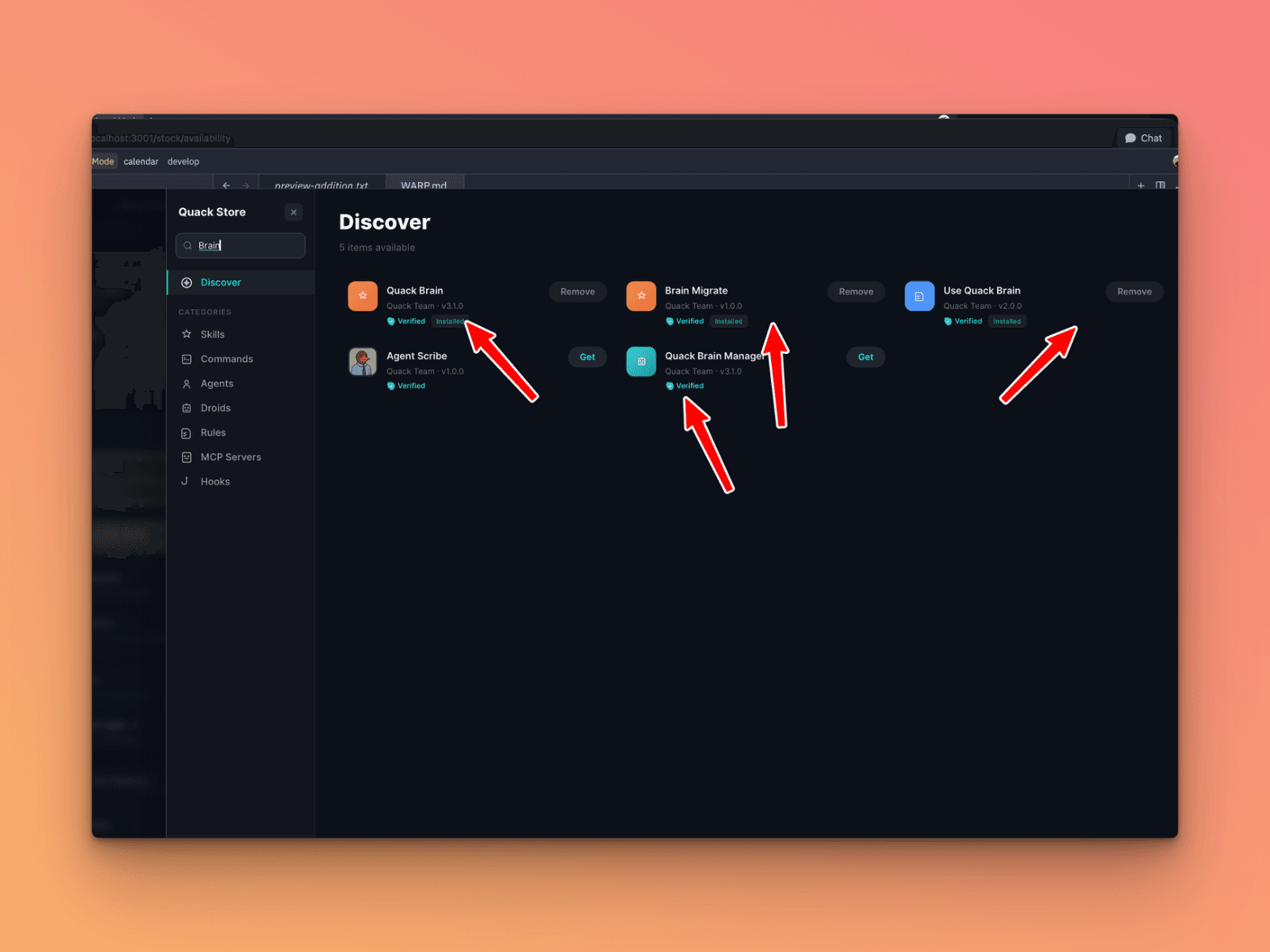
Let's look at each one.
Quack Brain (Skill)
This is the core skill. Without it, the agent has no idea where to search or how to save knowledge.
Installing Quack Brain teaches the agent:
- The two-level architecture (
documentation/in the project +~/.quack/brain/global) - The mandatory YAML frontmatter format for every knowledge file
- How to read, write, and search entries in the Brain
- How to write diary entries (the project's daily changelog)
- How to use breadcrumb comments in code (
// Brain: slug) to link code and documentation - How to create Mermaid diagrams
Note: If you install only one plugin, this is the one. It's the foundation everything else builds on.
Use Quack Brain (Rule)
A Rule is different from a Skill. It doesn't teach the agent a technical capability — it tells the agent how to behave.
Use Quack Brain is the automatic reminder that activates at the start of every session. It tells the agent:
- Before doing anything, search the Brain for existing solutions
- After discovering something useful, save it to the Brain
- Always respect the YAML frontmatter format (without it, the Brain UI won't display the file)
Warning: The Rule isn't 100% infallible. Occasionally the agent may forget to follow it, especially in very long sessions or complex tasks. But it covers the vast majority of cases and is always worth having active.
Without this Rule, the agent knows the Brain exists (thanks to the Skill) but might not use it consistently. With the Rule, the behavior becomes an automatic habit.
Brain Migrate (Skill)
Have a project with scattered documentation? Random .md files across the repo, a .quack/brain/ folder from the old format, or docs in .claude/docs/?
Brain Migrate handles the move. It scans all known locations, classifies each file (bug fix, pattern, decision, gotcha, diary...) and places them in the correct documentation/ structure.
The process runs in 6 steps and shows you a complete plan before touching any file. Nothing moves without your approval.
Note: If you're starting fresh with a new project, you don't need Brain Migrate. It's designed for projects that already have existing documentation to reorganize.
For full migration details, see Brain Migration.
Quack Brain Manager (Droid)
A Droid is a specialized agent you invoke on demand. It's not always-on like a Rule — you call it when needed.
Quack Brain Manager is the librarian for your Brain. Use it to:
- Reorganize entries that have accumulated chaotically
- Find and consolidate duplicates
- Update outdated entries
- Perform a "spring cleaning" of the knowledge base
It's an optional plugin, most useful on mature projects with many entries accumulated over time.
Recommended Setup
Here are the three most common configurations, from bare minimum to advanced.
-
Minimal setup — Install Quack Brain (Skill) + Use Quack Brain (Rule). This is all you need to get started. The agent knows how to use the Brain and has the automatic reminder active.
-
Existing project setup — Add Brain Migrate (Skill) if you already have documentation to organize. Run it once, then you can uninstall it if you don't need it anymore.
-
Advanced setup — Add Quack Brain Manager (Droid) if you want periodic knowledge base maintenance without doing it manually.
How to Install the Plugins
- Open the Quack Store from the sidebar (Marketplace icon) — you'll find it as a tab in the top bar
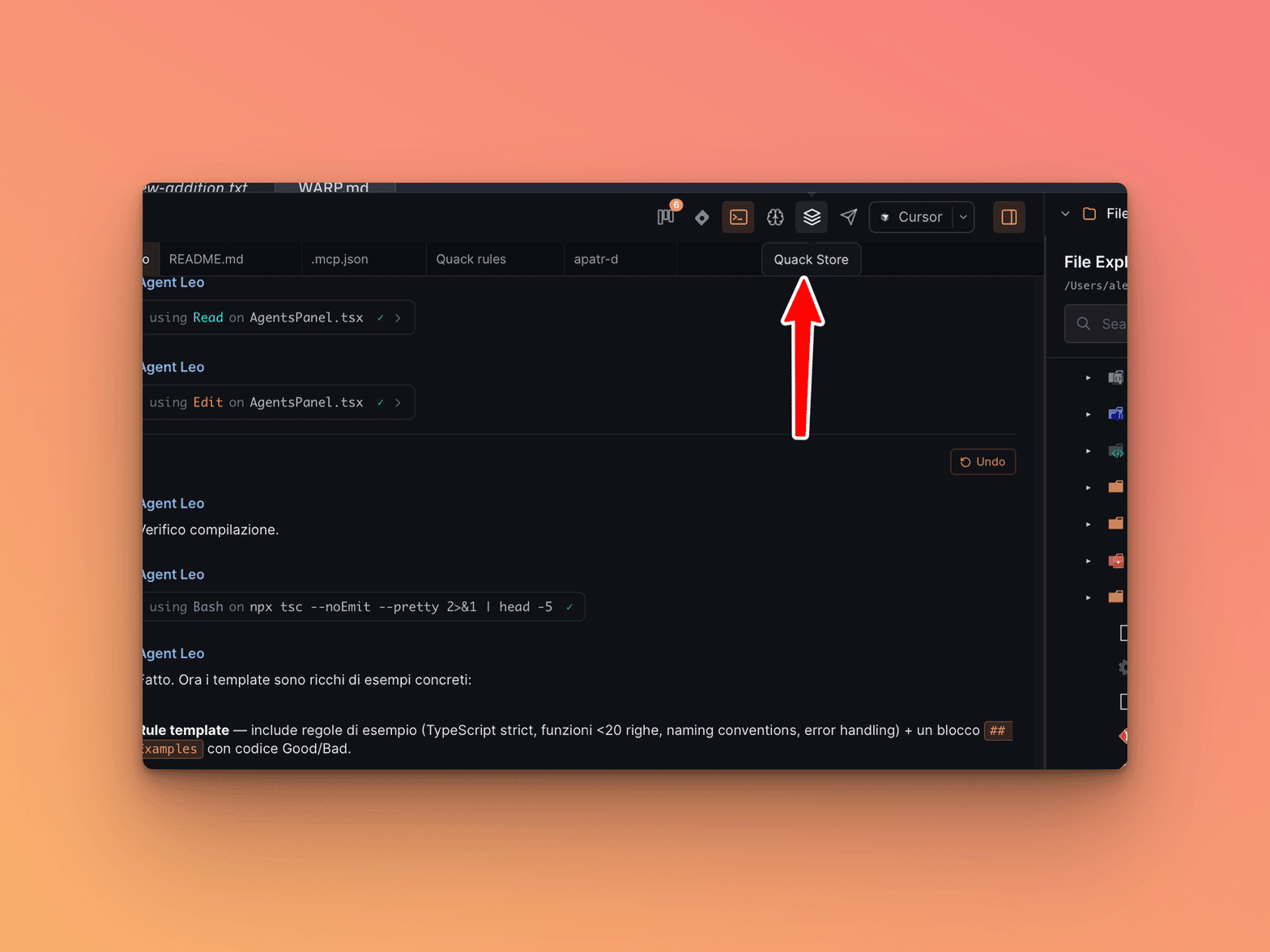
-
Search for "Brain" in the search bar
-
Click on each plugin you want, then click Install
-
Assign Rules and Skills to your agent from the side panel (see Side Panel for details)
-
Start a new session — the plugins are active immediately
Note: When you install a Rule, remember to explicitly assign it to your agent. Rules don't activate on their own unless assigned. Skills, on the other hand, are used automatically by the agent when needed once installed.
How They Work Together
With all three active, a typical session flow looks like this:
- The agent starts and reads Use Quack Brain (Rule), knowing it must search before acting
- Uses Quack Brain (Skill) to know where to search and how to interpret the files it finds
- Works on your task
- Before finishing, uses Quack Brain again to save any discoveries
- If you invoke Quack Brain Manager (Droid), it takes care of keeping everything organized
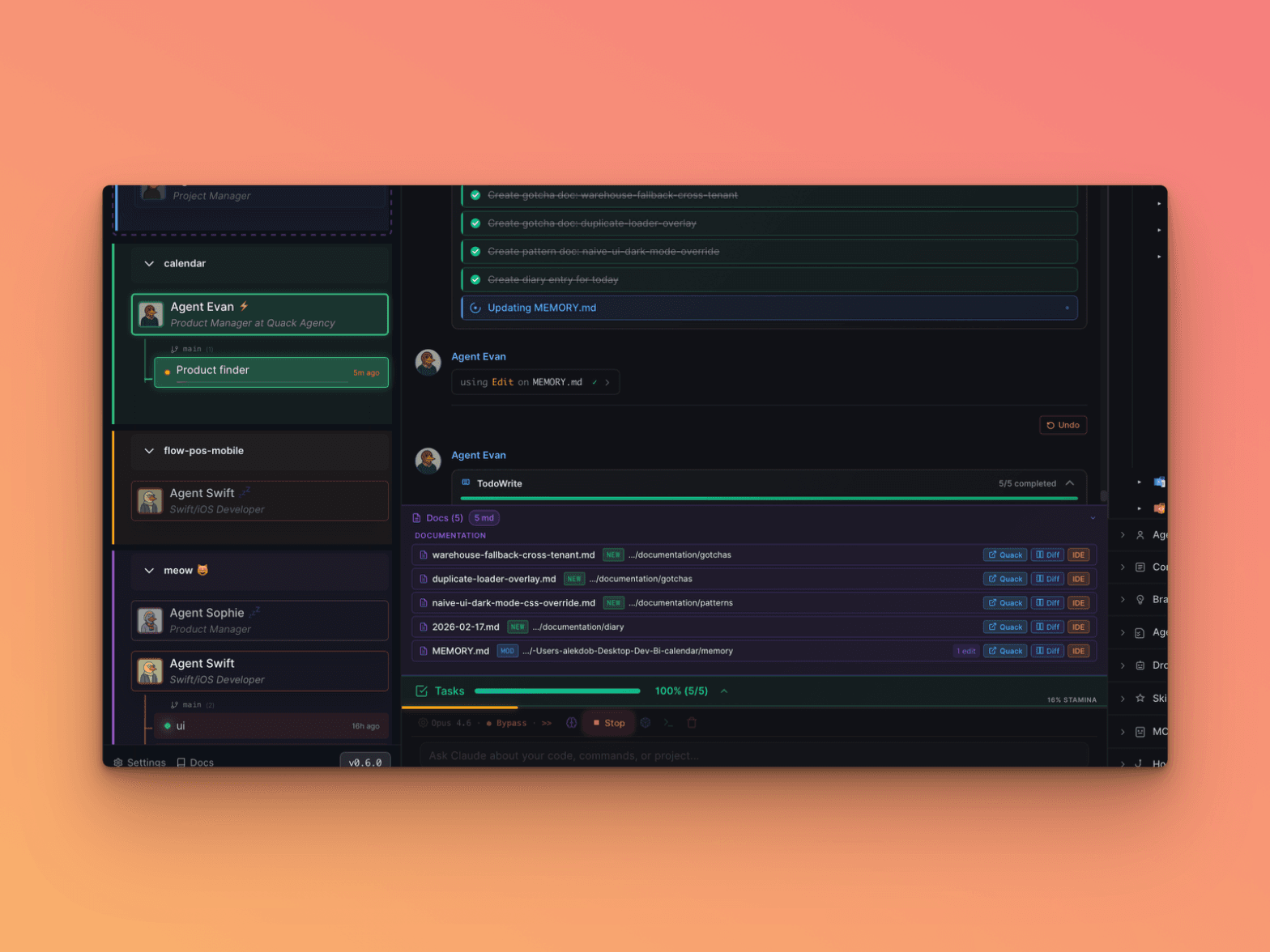
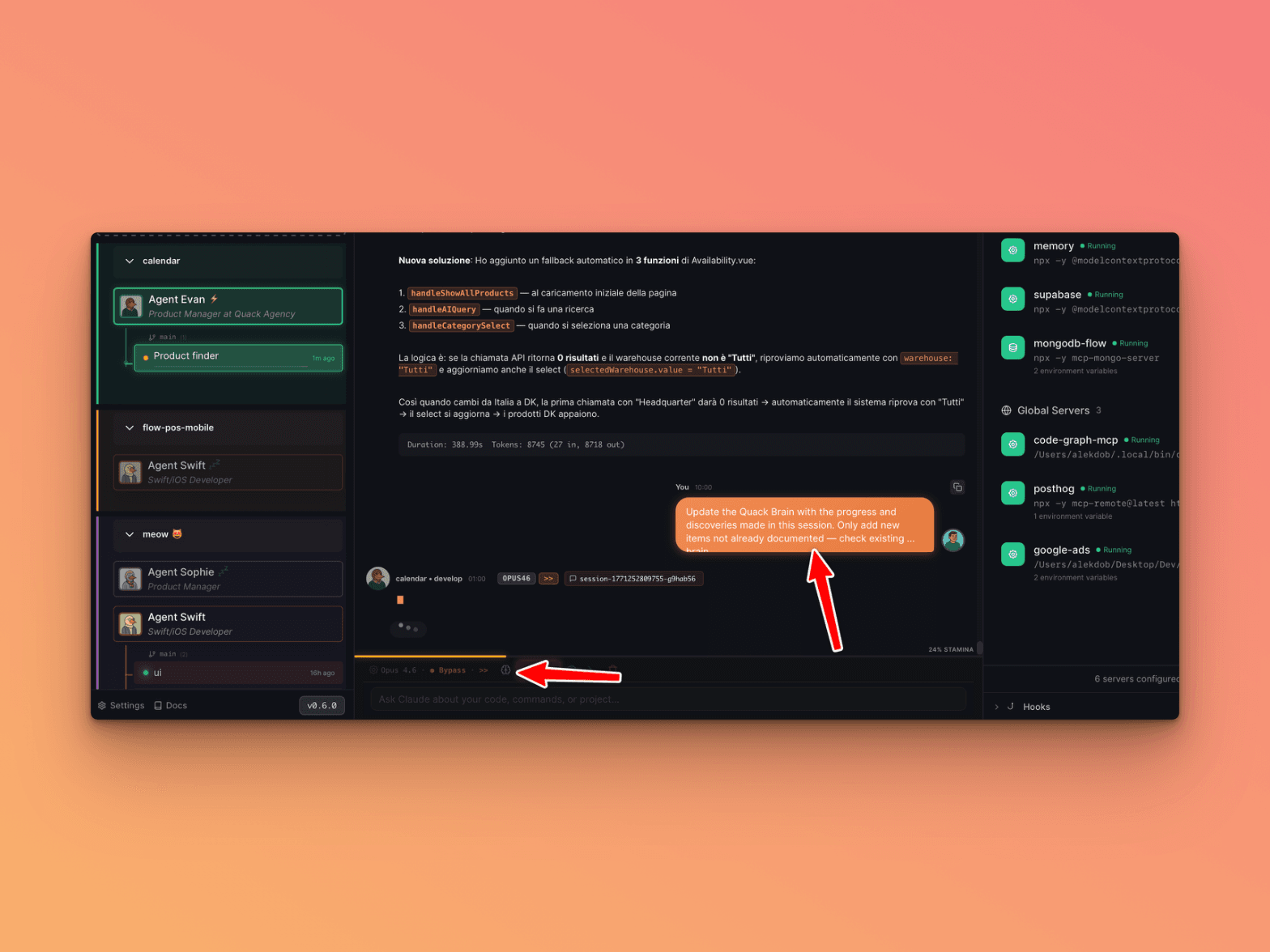
You can also ask the agent explicitly to update the Brain at the end of a session:
Next: Background Tasks — Run long operations without blocking the interface
Previous: Brain Migration — Migrate existing documentation into Brain v2 format